 Finlity

Financial Literacy, Illuminated.
Stop guessing. Start projecting. The personal finance dashboard that answers: "Will my money last?"
Watch the Introduction
A quick walkthrough to get you started with Finlity
Your Financial Command Center
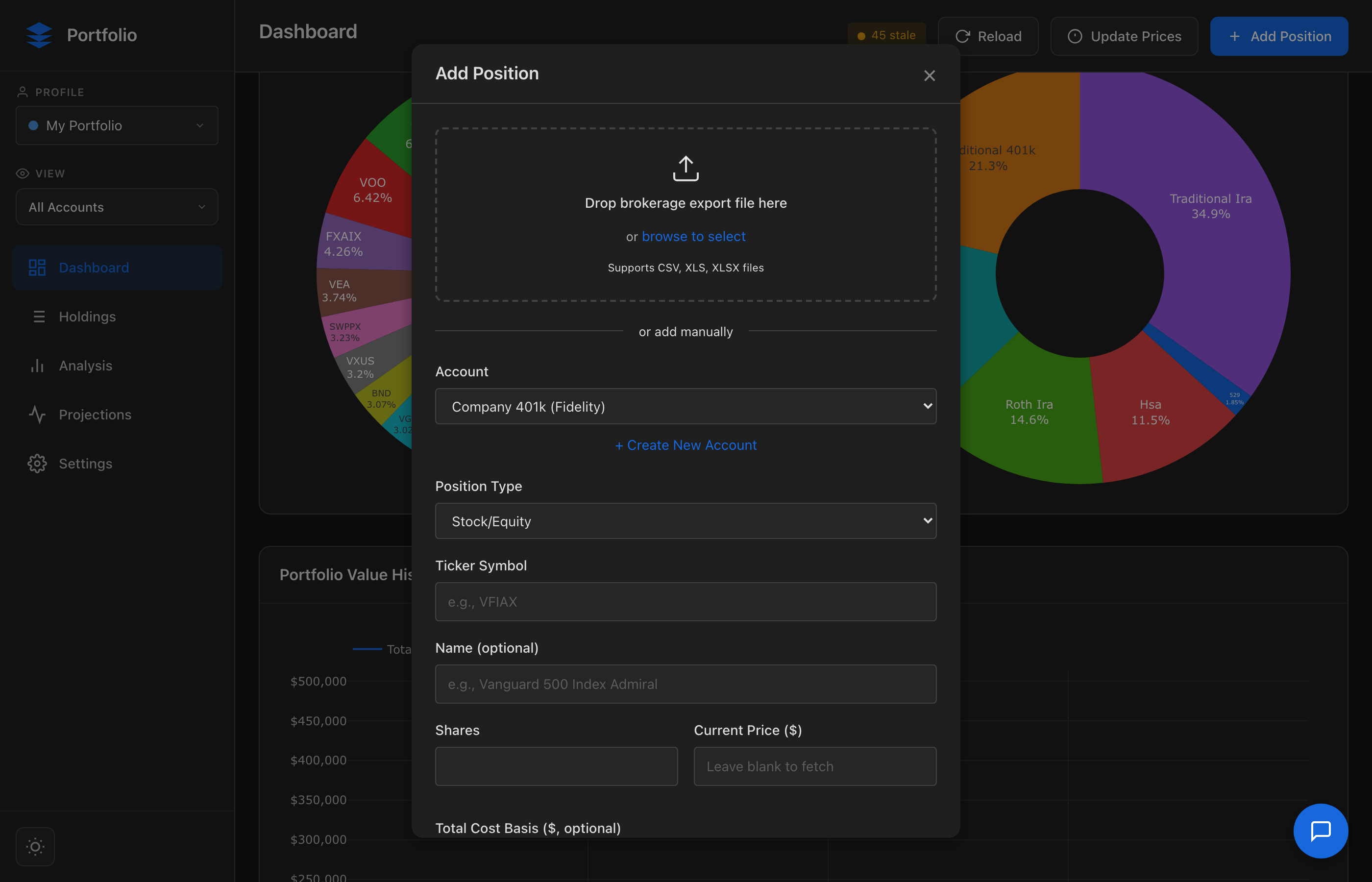
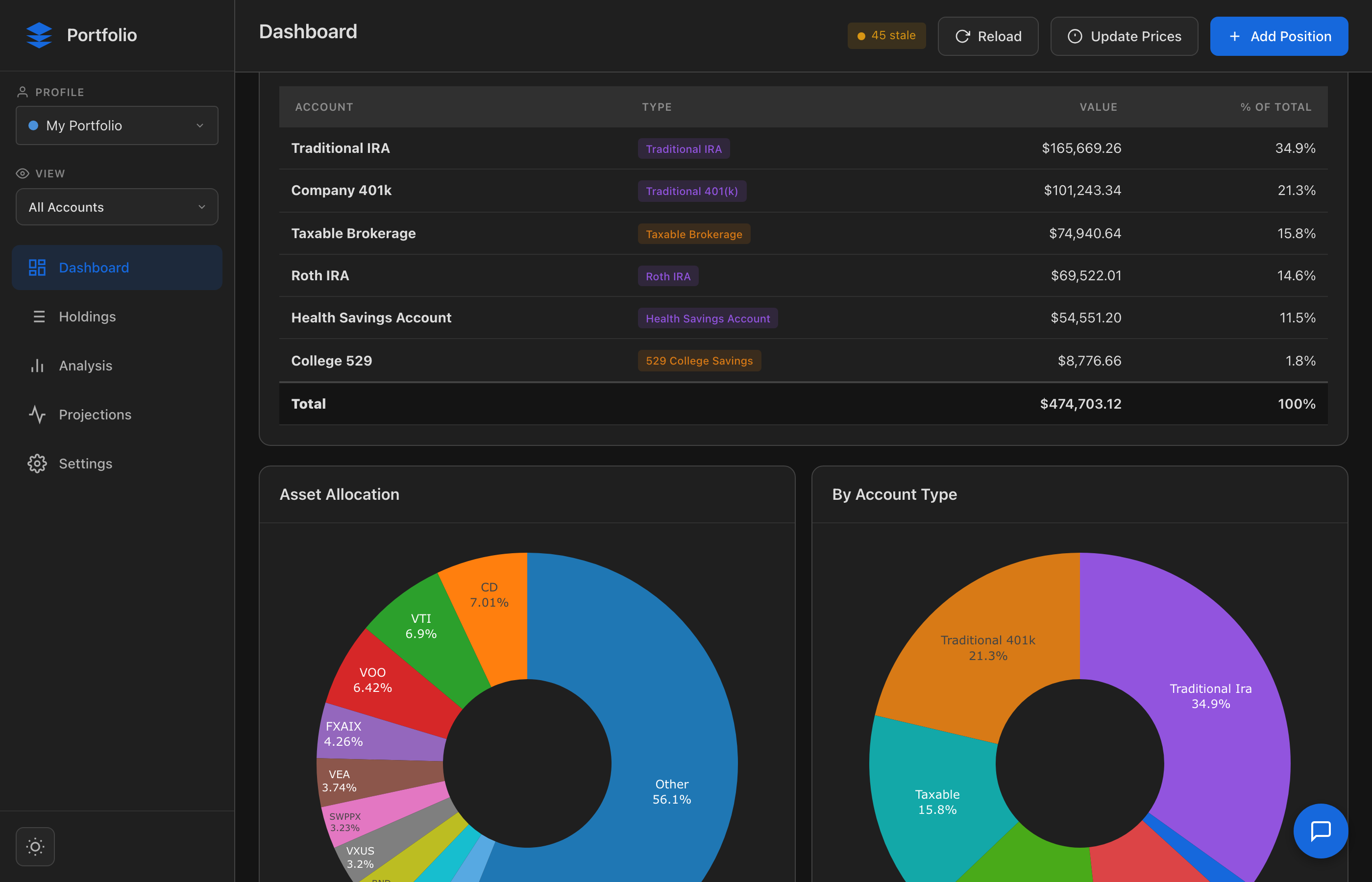
Track Everything
Import from any brokerage. See all accounts—401k, IRA, taxable, 529, real estate—in one unified view.
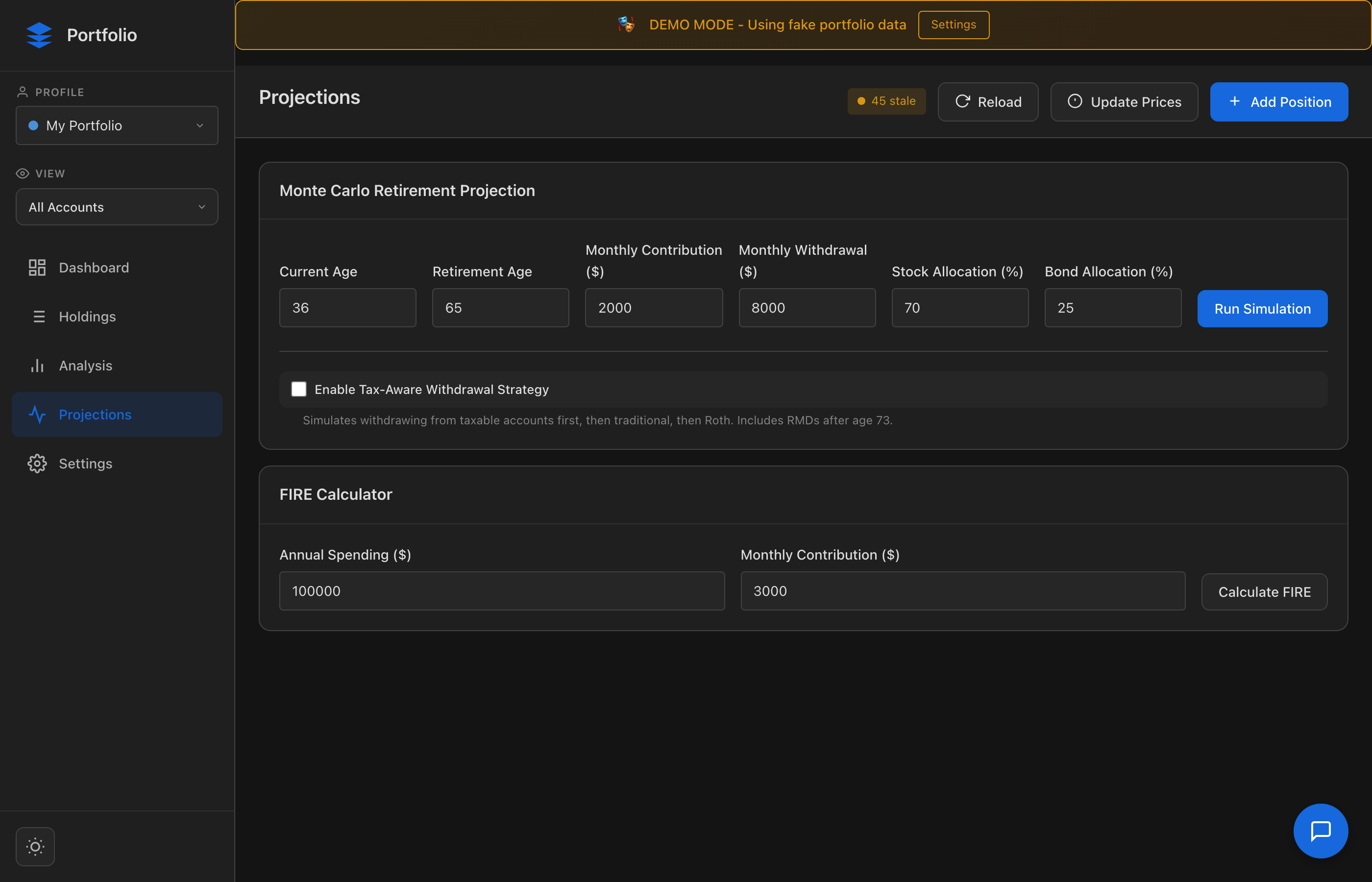
Know Your Cash Flow
Track income sources, paycheck deductions, expenses, and taxes. See exactly where your money flows.
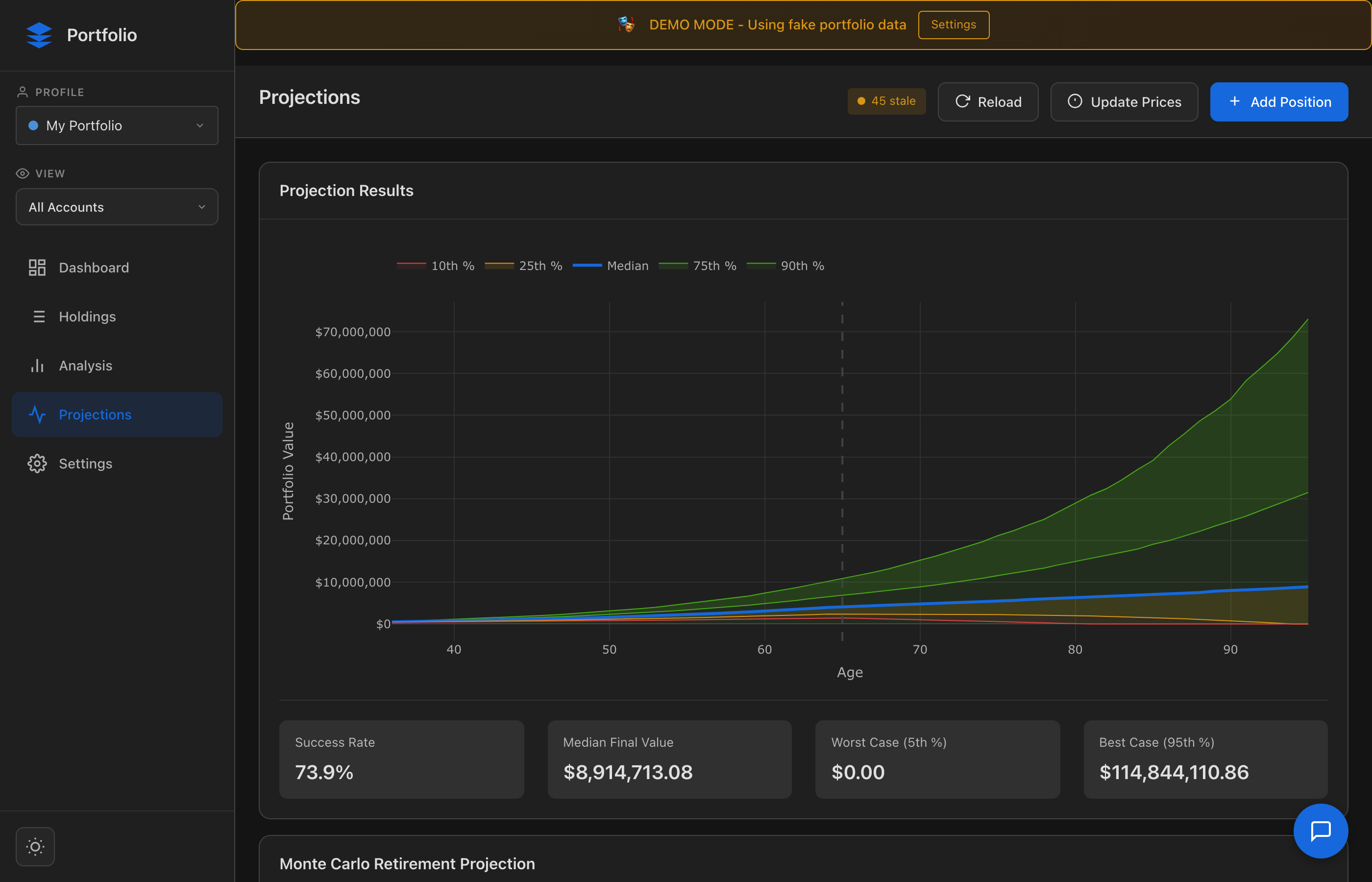
See Your Future
Run thousands of simulations to answer the ultimate question: Will my money last through retirement?
Ready to take control of your financial future?
Account Balances
| Account | Type | Value | % of Total |
|---|---|---|---|
| Total | $0 | 100% | |
Asset Allocation
By Account Type
Portfolio Value History
Holdings
| Ticker | Name | Account | Shares | Price | Value | Gain/Loss | Actions |
|---|
Enrich Portfolio Data
Update sector classifications and fund data for more accurate analysis. Data sources: Financial Modeling Prep, yfinance, local cache.
Performance Metrics
Risk Metrics
Concentration
Top Holdings
Allocation Breakdown
| Category | Value | % of Portfolio |
|---|
Alerts
No alerts configured. Add alerts to monitor your portfolio conditions.
Portfolio Insights
Loading analysis plugins...
Dashboard Widgets
AI Fund Analysis
Checking...Use Claude AI to analyze funds like a financial advisor would - considering your portfolio context, overlaps, tax efficiency, and providing actionable recommendations.
FIRE Calculator
Tax Burden Over Time
Account Balances Over Time
Year-by-Year Withdrawal Breakdown
| Age | Total Balance | RMD | From Taxable | From Traditional | From Roth | Federal Tax | State Tax | Eff. Rate | Net Withdrawal |
|---|---|---|---|---|---|---|---|---|---|
| Run a projection to see results | |||||||||
Tax Configuration
Income Sources
No income sources added yet. Click "Add Income" to get started.
Pre-tax Deductions
No pre-tax deductions. Add 401k, HSA, FSA contributions here.
Paycheck Preview
Add income to see paycheck breakdown.
Expenses
No expenses added yet. Click "Add Expense" to track your spending.
Expenses by Category
Year-to-Date Income & Taxes
Cumulative totals by pay period - watch SS tax cap out at wage base
Annual Cash Flow Waterfall
Retirement Transition Parameters
Income Source Transition
How your income sources change over time
Run a projection to see the income transition visualization.
Social Security Comparison
Run a projection to see Social Security claiming age comparisons.
Data Storage
ServerChoose where your portfolio data is stored. Your data never leaves your control.
Personal Settings
Asset Class Targets
Market Assumptions
Monte Carlo Settings
Portfolio Views
Create views to filter which accounts are included in dashboard, analysis, and projections.
Data Sources
API keys for price data and AI analysis. Click "Edit" to add or update a key.
AI Provider
Choose which AI provider to use for analysis and insights. Your preference is stored locally.
Profile Management
Manage separate portfolios for different users, clients, or scenarios. Each profile has its own database with complete data isolation.
Entity Management
Manage household members or ownership entities. Entities allow you to track retirement metrics per person and filter accounts by owner.
Plugin Security
Manage permissions for installed plugins. Built-in plugins are automatically trusted. Third-party plugins with sensitive permissions require approval before loading.
Click Refresh to load plugin security status...
Security Audit Log
Recent security events from the plugin system.
Click Refresh to load audit log...
Account Management
Manage your investment accounts. Deleting an account will also delete all positions in that account.
| Account | Owner | Value | Actions |
|---|
Plugin Marketplace
Install third-party plugins to extend portfolio analysis capabilities. Plugins can be installed from GitHub, GitLab, or uploaded as ZIP files.
Installed Plugins
Loading installed plugins...
Plugins
Extend functionality with plugins. Importers, analysis tools, widgets, and more.
Loading plugins...
Data Export
Export your portfolio data for backup or analysis purposes.
Appearance
Demo Mode
Enable demo mode to use fake portfolio data for demonstrations. Your real data is never modified.
Generate or regenerate demo portfolio data with ~50 positions, realistic prices, and multiple account types.
Note: Changing demo mode requires a page reload to take effect.